01 · panel
the playground sidebar, on any tab
Click the icon or press Ctrl+Shift+Y. Pick a component, drag the sliders, switch presets and colours. The schema is copied from the playground one to one, so what you see here is what the component does.
 AIM mindset apps
28 effects · the real page · props for your agent
canvasui.dev shows its effects on a mock page. This extension puts the same playground over the page you have open: the same 28 effects, the same sliders, presets and defaults, running on your own landing, a competitor's site or a draft on localhost. The page stays alive under the effect. When a setting looks right, one button copies the component props as JSON.
01 · panel
Click the icon or press Ctrl+Shift+Y. Pick a component, drag the sliders, switch presets and colours. The schema is copied from the playground one to one, so what you see here is what the component does.
02 · live page
Links, buttons, wheel and keyboard scrolling go through. Stop returns the page exactly as it was, scroll position included. Nothing is sent anywhere; the effect runs in the tab you clicked.
03 · copy props
Copy props puts the component name and its current props in the clipboard: colours as RGB, presets expanded, auto values resolved. Paste it to the agent or straight into the React component.
demo · one minute
the extension over apple.com: the panel opens, the sliders move, the menu lists all 28 effects, the page keeps scrolling under Bend, Copy props and Stop. Recorded through the extension itself with the cursor drawn in.
captures · developer.chrome.com
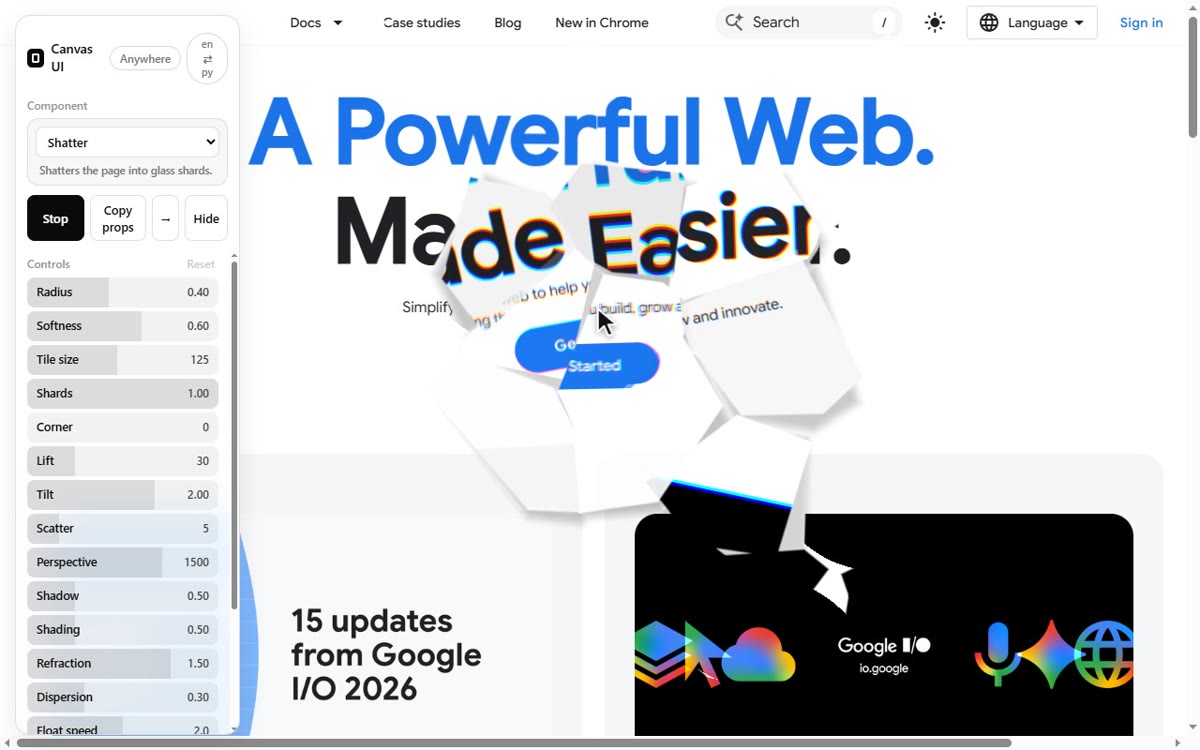
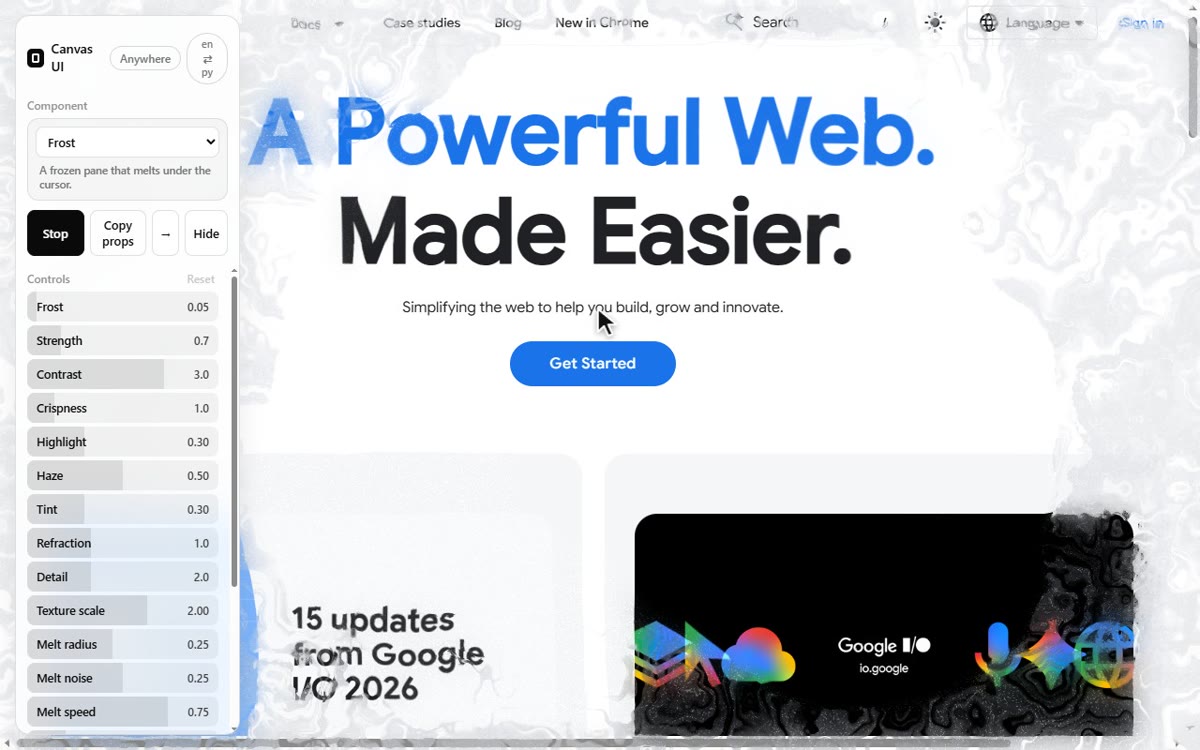
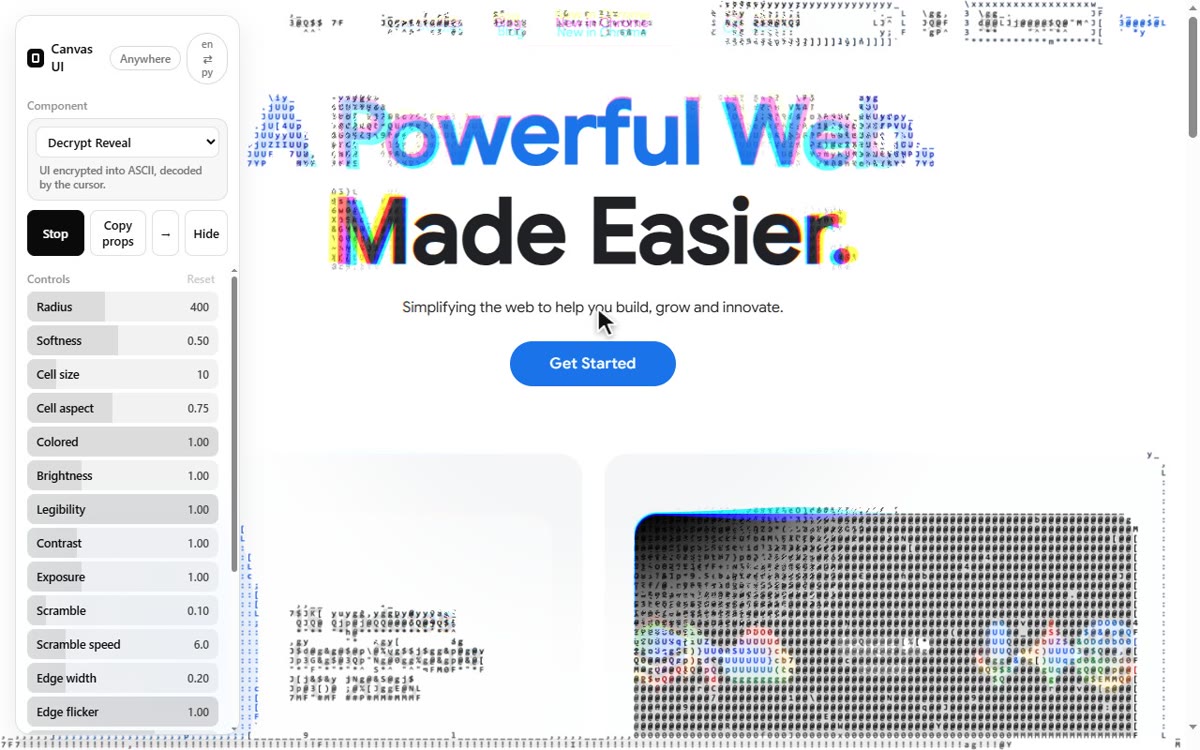
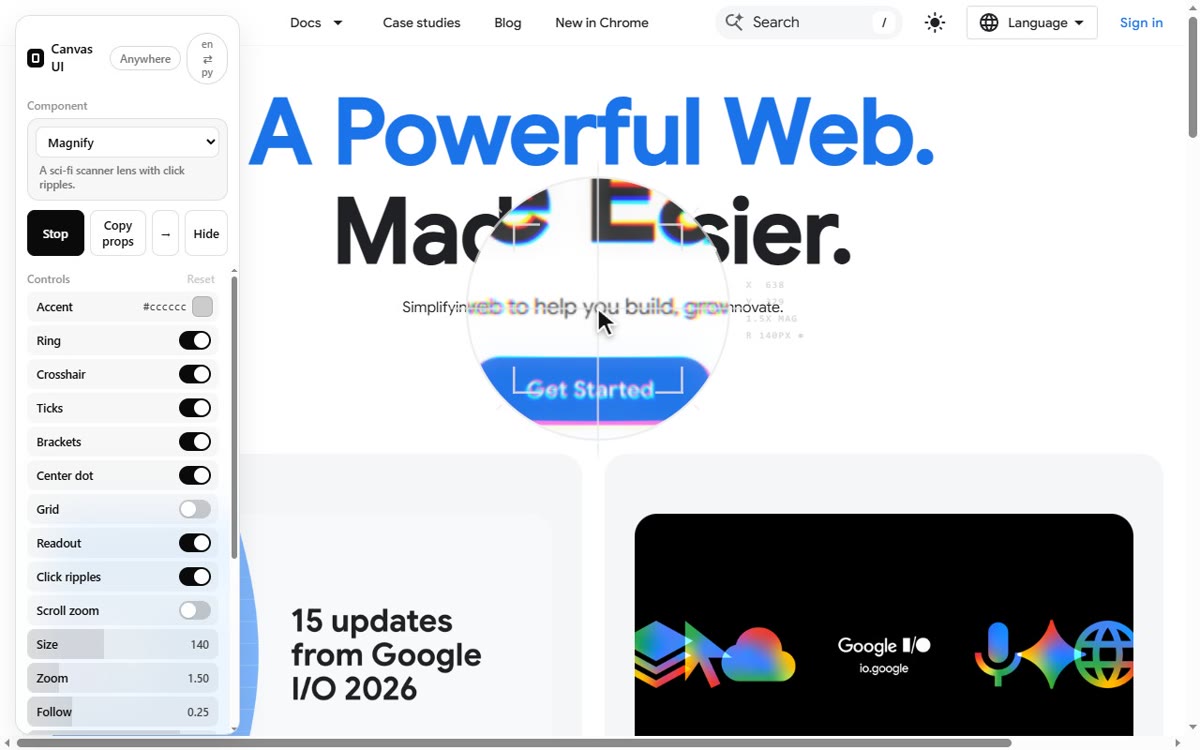
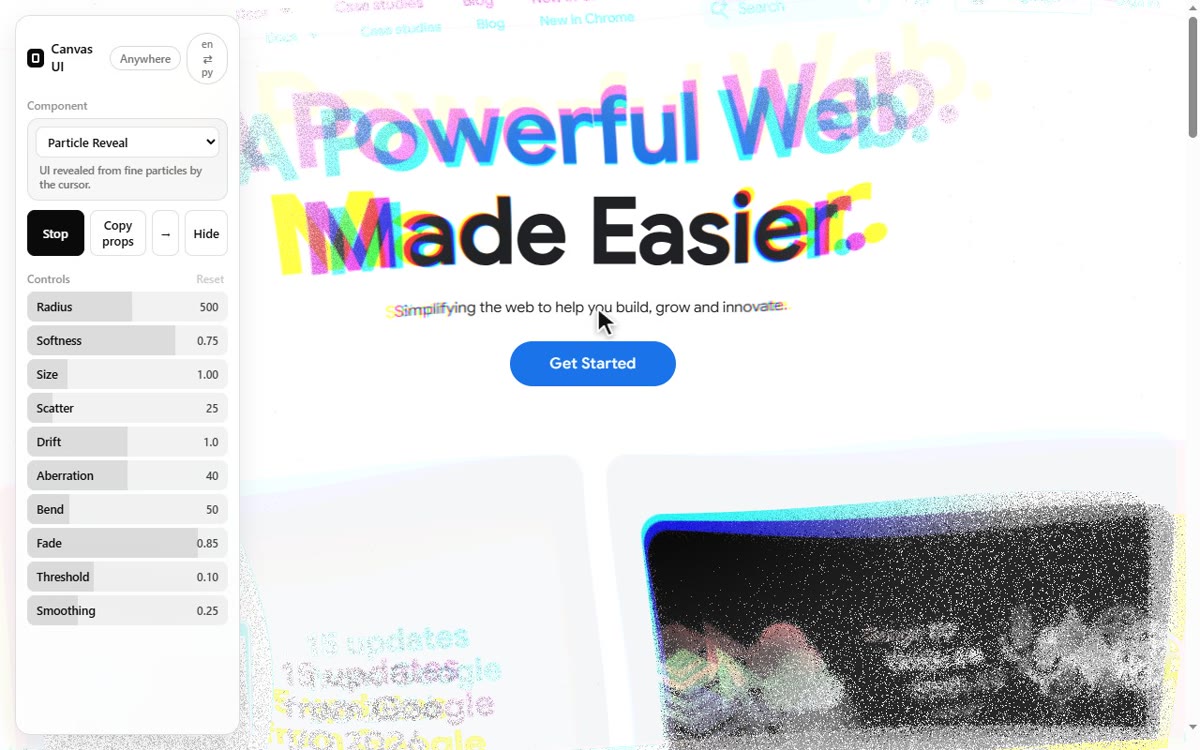
five of the 28 effects over developer.chrome.com, taken through the extension itself; the cursor is drawn in so the interaction reads. The panel on the left is the extension; everything else is the live site. The same captures are in the Chrome Web Store listing.
install · chrome
chrome://flags/#canvas-draw-element, set it to Enabled and relaunch Chrome. The effects read the page through this experimental API; without it they draw over an empty canvas and the panel says so.git clone https://github.com/ai-mindset-org/canvasui-anywhere.git
chrome web store. published 2026-10-14 after review. The store build is the same 0.1.0 as the repository; updates arrive through the store.
why a flag. html-in-canvas is in Chrome's origin trial through Chrome 160. A trial token is bound to one domain, and an extension that works on every domain has none to bind to, so the flag stays until the API ships. Chrome only for now.
for the agent
The component name is the React component of canvas-ui; the props are already in the shape it takes, after the playground's own conversions. The agent installs the component from the canvas-ui registry and spreads the props. The same object works with the vanilla engines.
{
  "component": "Liquid",
  "props": {
    "quality": "medium",
    "force": 1.1,
    "radius": 0.3,
    "curl": 1.9,
    "swirl": 4,
    "pressure": 0.8,
    "intensity": 2,
    "distortion": 0.4,
    "blend": 5,
    "color": [0.26, 0.36, 1],
    "rainbow": false
  }
}
what to expect
The extension asks for the active tab only when you press the icon. Effect settings live in the extension's local storage on your machine. There is no account, no analytics, no network request of its own.
Effects are the vanilla engines of canvas-ui by David Haz, MIT with Commons Clause, used unchanged. The panel, the page wrapper and this build are by AI Mindset.